How to get YouTube Shorts from every long video
When AutoVideoStudio renders a long video, it also picks the strongest 15–58 second stretches — the ones with numbers and a clear ending that fit Shorts — and re-cuts them vertical (9:16) with word-by-word karaoke captions. You choose how many Shorts you want in the brief, and download them with the main video to promote it.
Last updated 1 November 2026 · by Venu Gopal Reddy Muvva, founder
Who this is for
Channels that make long videos with us and want Shorts to bring viewers to them, without a second tool.
Steps
- 1. Create a free account
Sign up with your name, email and a password. No card. Your first 3 months are free with every feature unlocked, and onboarding makes a 1-minute sample video straight away so you see the whole pipeline.
- 2. Write the brief
On New video, type the topic in one line and pick the format (any format) and the length (long enough to cut from — 5 minutes or more). Choose 16:9 for YouTube or 9:16 for Shorts, and add the audience and tone if you want.
- 3. Let it research and write
We read the top Wikipedia articles for your topic and number them S1, S2, S3… The script is written by our own AI on Surge's servers, and every scene lists the sources it uses.
- 4. Add your voice
Upload your own recorded narration on the video page and it is cut to the script at the natural pauses. For a draft, keep the free placeholder voice (it sounds robotic). Natural AI voices are coming soon.
- 5. Download the Shorts
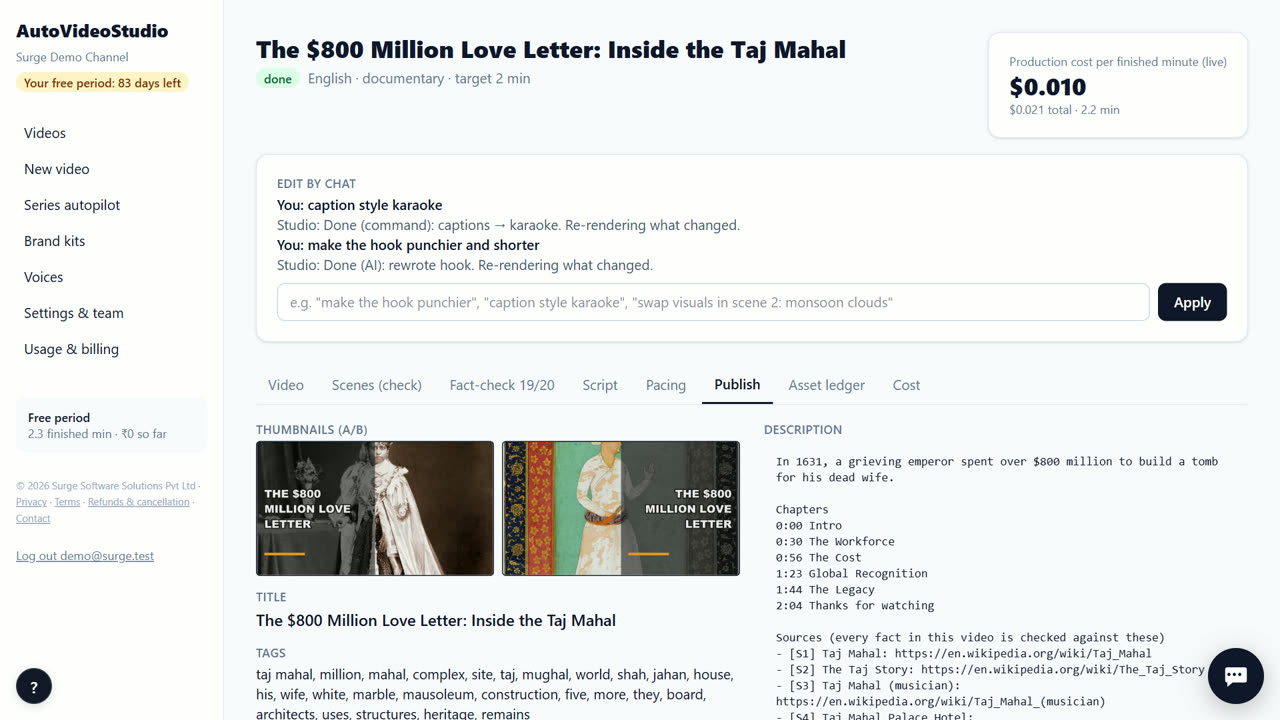
On the video page, the Shorts sit next to the main video. Download each MP4 and post it to YouTube Shorts with a link to the full video.
Tips
- Ask for 2–3 Shorts per video; the first ones are the strongest.
- Karaoke captions highlight each word as it's spoken — they work best with clear narration.
- Shorts are cut from this video only. To clip videos you already have, use a clipping tool such as our sister product ShortsFromVideo.
- Post the Short a day or two after the long video, pointing back to it.
When AutoVideoStudio is not the right tool
AutoVideoStudio is not the right tool for clipping videos you didn't make with it — like podcasts or webinars — because Shorts are cut from the video it renders. It also doesn't post to YouTube for you yet.
Questions
How many Shorts do I get?
You choose in the brief (onboarding makes one).
Can I upload my own long video to clip?
No — AutoVideoStudio cuts Shorts from the videos it makes.
Are captions included?
Yes, word-by-word karaoke captions burned into each Short.
What does it cost?
Nothing for your first 3 months. After that you pay only for what you use, at our cost — about ₹0.25 per finished minute (est.), so a 10-minute video is about ₹2.50. No subscription.
Free for your first 3 months. Then pay only for what you use.
Start free — 3 months on usRelated: How to make a Top 10 YouTube video with AI · How to make a faceless YouTube video from a topic · AutoVideoStudio vs InVideo AI · Pricing